Hai
...
Pada kesempatan kali ini saya akan menjelaskan tentang Tugas UAS ketiga yaitu Install Add On. Masing-masing mahasiswa diberikan 2 Modul Add On yang harus di-Install. Modul Add On yang saya dapatkan :
- Show Journal Entry In Voucher
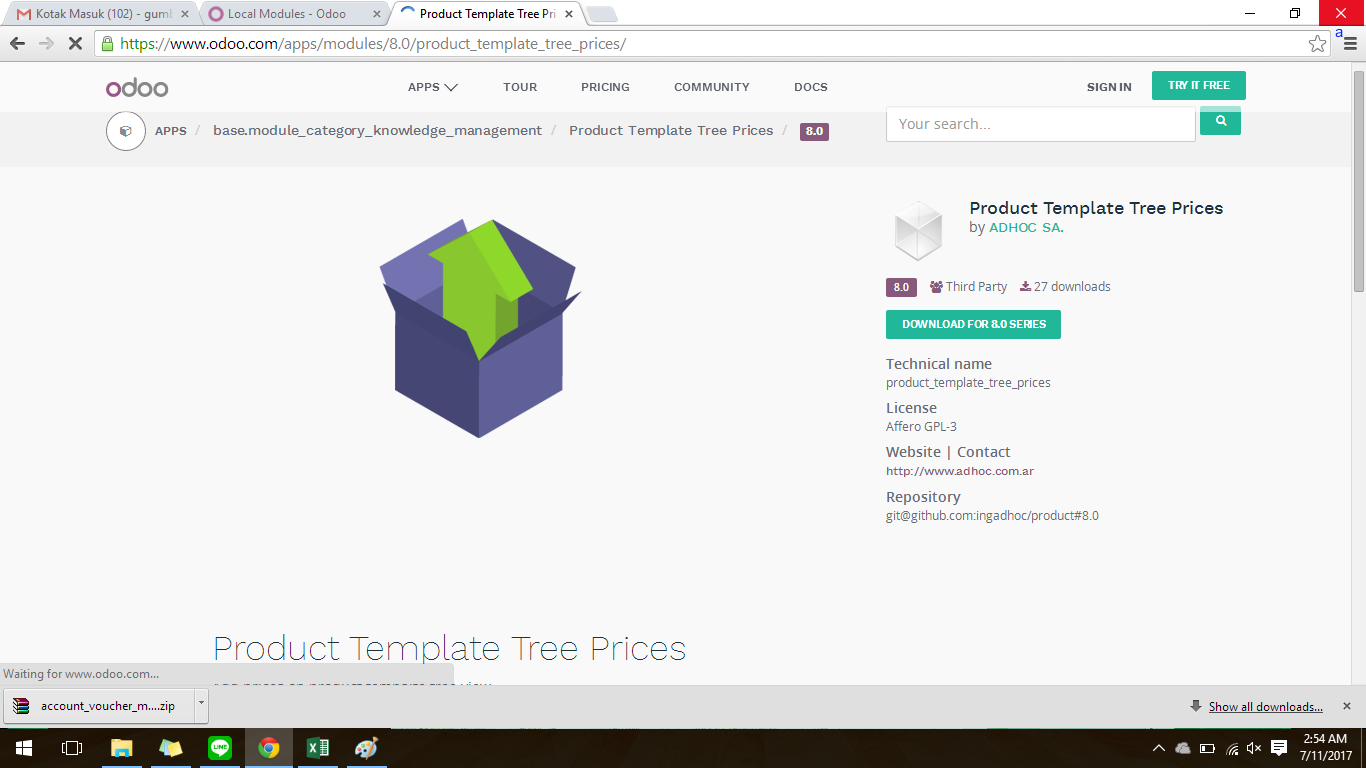
- Product Template Tree Prices
Dan berikut adalah penjelasannya :
A. Melengkapi Data atau Cell yang masih kosong
Saya telah melengkapi
technical name
dan
link
Add On. Dan berikut adalah linknya :
B. Cara Instal Modul Add-ons
Download kedua modul dengan link :
- Show Journal Entry In Voucher :
https://www.odoo.com/apps/modules/8.0/account_voucher_move_id/

- Product Template Tree Prices :
https://www.odoo.com/apps/modules/8.0/product_template_tree_prices/
Extract file yang telah didownload di folder "add on" dengan cara menekan kombinasi Tombol Windows+R. Pada kotak dialog Run yang muncul copy: C:\Program Files (x86)\Odoo 8.0-20170706\server\openerp\addons . Sesuaikan nama path Odoo sesuai dengan modul yang di download. Atau Extract file secara manual dengan klik "kanan" pada mouse dan pilih "Extract File..".

Setelah itu, buka Task Manager (Ctrl+Alt+Del
>
Task Manager) , pilih Tab Service, cari "Odoo-server-8.0", klik kanan lalu pilih restart. Jika tidak ada, pilih stop service lalu start service kembali.

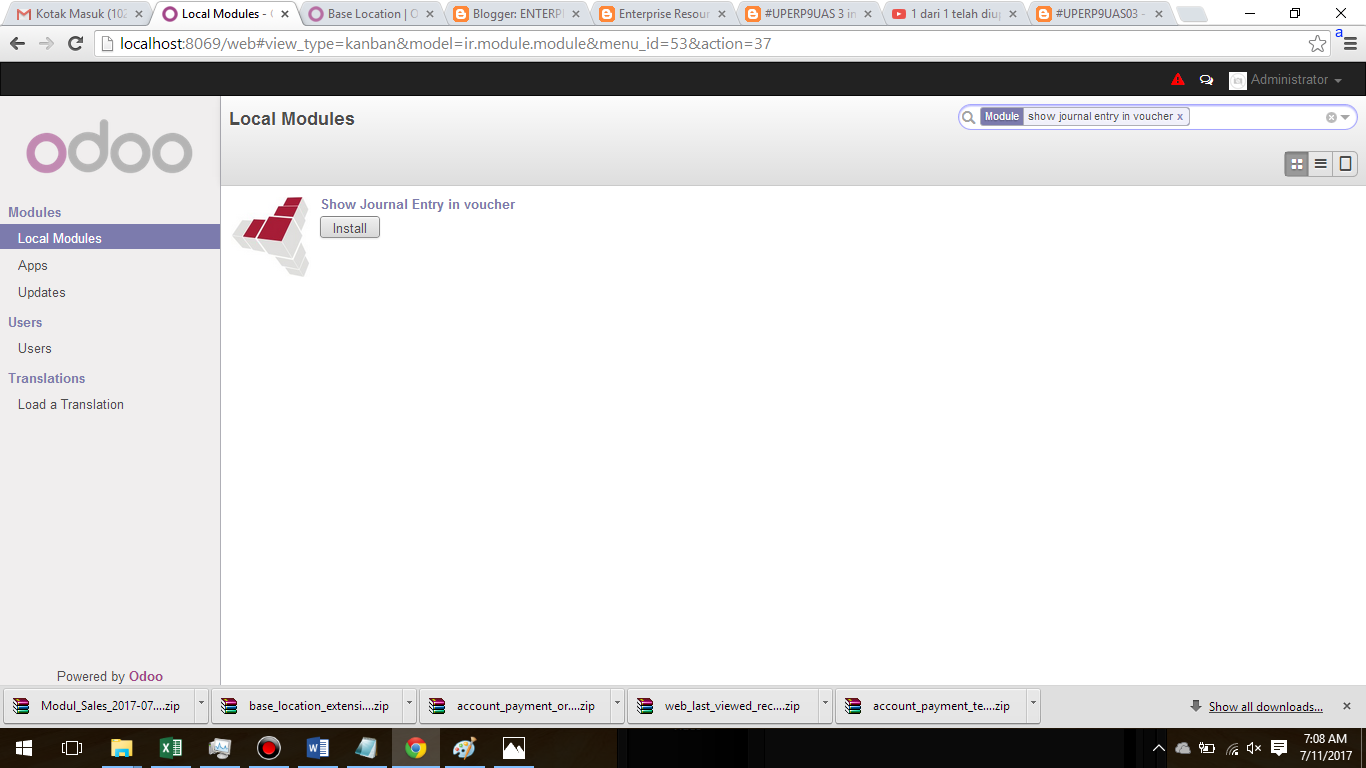
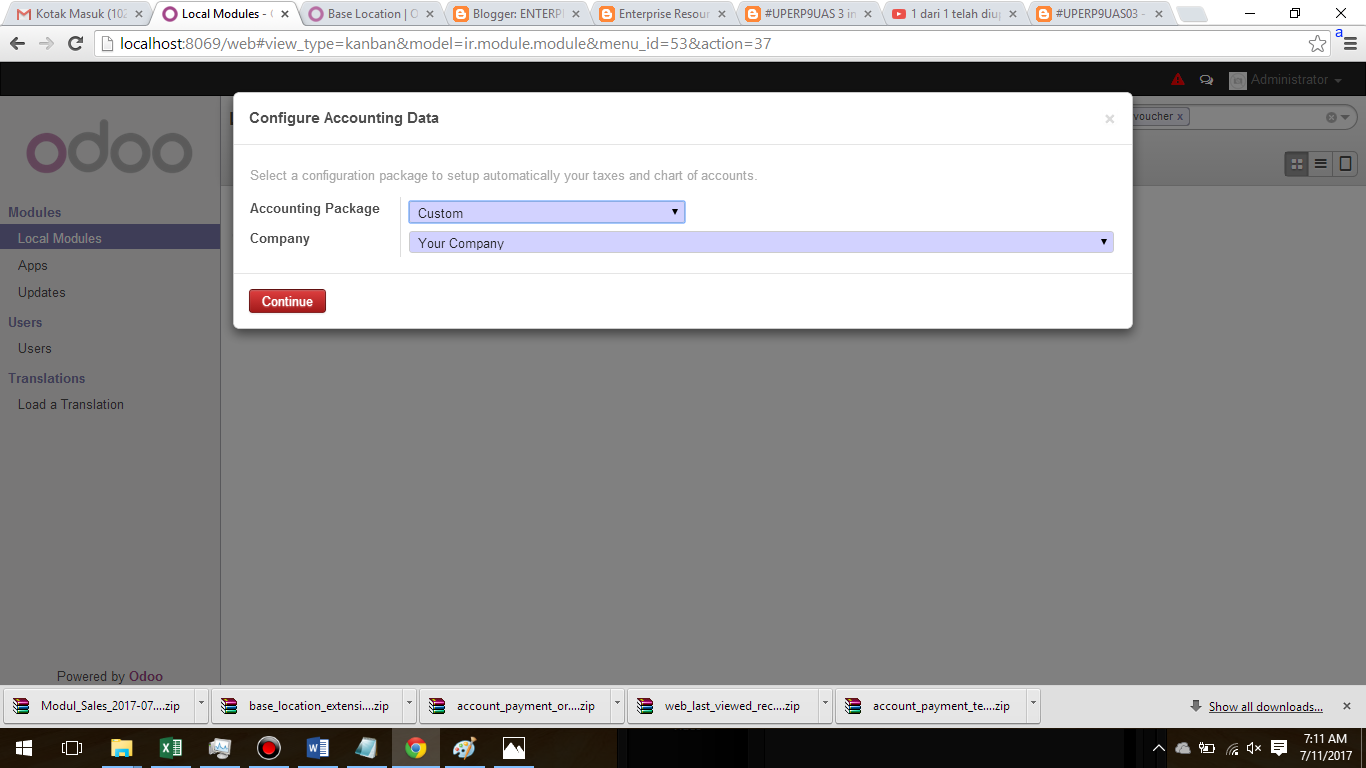
Masuk ke server Odoo (localhost:8069), lalu Log in ke database masing-masing (jika belum ada silahkan create terlebih dahulu). Masuk ke "Setting" lalu "Update Module List" lalu "Update". Dan kemudian Pilih local module, pada kolom search hapus semua filter dengan klik tanda silang dibagian kanan kolom, lalu ketik nama modul yang baru saja di-install. Jika sudah, langsung saja install add ons tersebut.



C. Download Modul Tambahan
- Show Journal Entry In Voucher :
https://www.dropbox.com/s/d173n59gup48y2a/account_voucher_move_id-8.0.0.0.6.zip?dl=0
- Product Template Tree Prices :
https://www.dropbox.com/s/utwim759n693zb9/product_template_tree_prices-8.0.0.1.0.zip?dl=0
D. Panduan Cara Menggunakan Modul Add On
Panduan cara menggunakan Modul Add On dapat dilihat di
atau
.
E. Kegunaan Masing-masing Modul Add On
Menurut
kegunaan masing-masing produk sebagai berikut :
- Show Journal Entry In Voucher
Show Journal Entry in voucher
This module show Journal Entry in:
- Sales Receipts
- Customer Payments
- Purchase Receipts
Supplier Payments
Product Template Tree Prices
Product Template Tree Prices
Add prices on product tempalte tree view
F. Perbedaan Sesudah dan Sebelum Add On di Install
Karena saya membuat database baru, maka menu-menu yang muncul pada database tersebut hanya menu-menu standar.


Setelah meng-Install Modul Add On, maka terdapat perubahan dengan bertambahnya menu-menu baru sebagai berikut :

G. File Database setelah di Install Modul Add On
Link :
https://www.dropbox.com/s/ok7w5klrx8bgfg3/Modul_CRM_2017-07-11_14-17-35.zip?dl=0
Sekian pembahasan dari saya. Semoga bermanfaat!
Best Regards!